Make videos of Emma with AI
She's in her 20s with green eyes, red hair in straight long layers, and fair skin. Cast her in your video.
Make a video
Make Emma the star of your video.
Transforming your idea into a video is a breeze with Hypernatural's AI video editor. Paste in your script, and Hypernatural will use the dialog and characters in your video. You can edit your video using Hypernatural's AI Video Editor, and then export it or share it with a link.
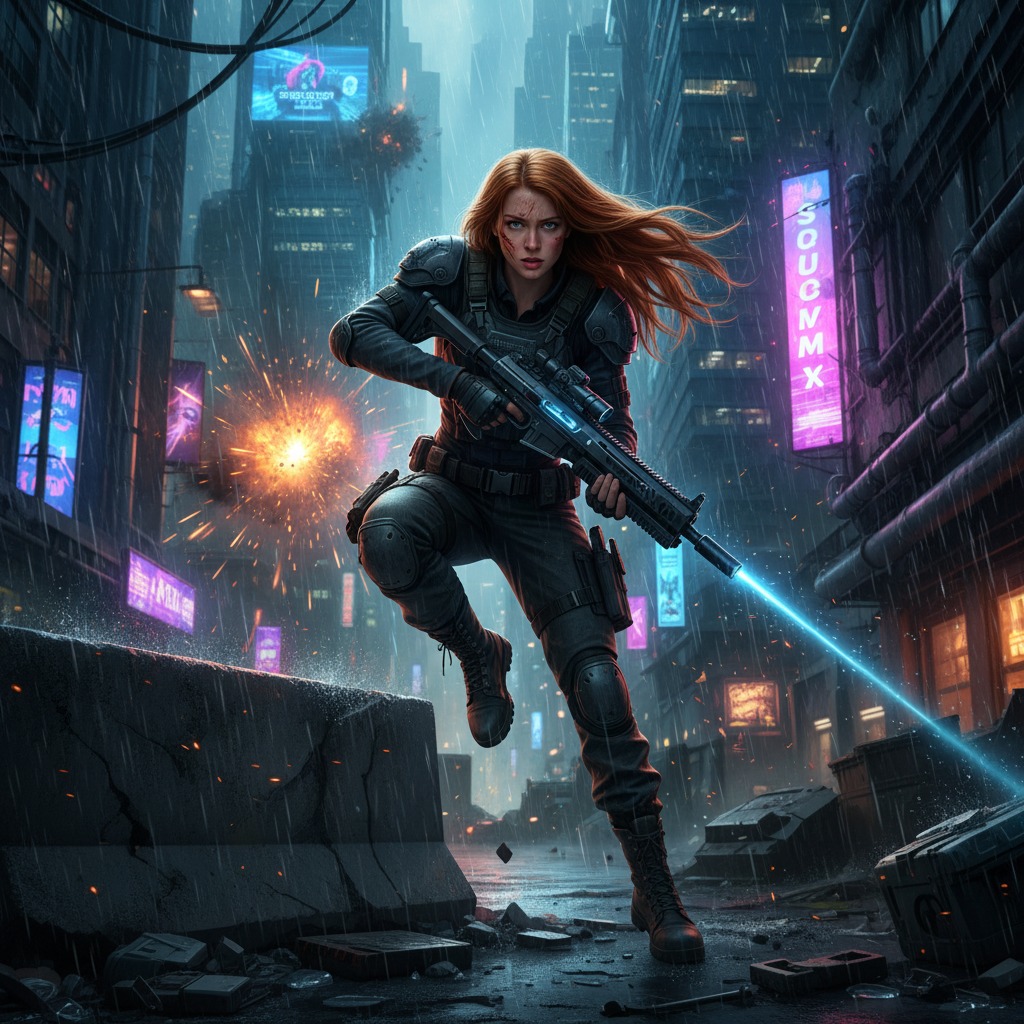
Video ideas starring Emma
Put Emma in any story you can imagine with our AI Video Editor. Here are some ideas.
Emma has prepared for weeks. The role is perfect. She walks into the conference room and shakes the hiring manager's hand. The questions are tough; she holds her own.
Then they ask about the gap in her résumé. She has practiced this answer. She speaks. The room goes quiet. The manager's expression shifts — and Emma realizes they already know the truth.
Emma meets her best friend for coffee. There is something she has to say. The words have been stuck for months. She takes a breath and starts.
Her friend listens. No interruption. When Emma finishes, there is a long pause. Then her friend reaches across the table — and reveals a secret of their own.
Emma stands at the microphone. The room is full of family and friends. She has written and rewritten the toast a dozen times. She begins to speak.
Halfway through, she looks at the bride. Something in that look changes her words. She goes off script. By the end, half the room is crying — and the groom is staring at his plate.
Emma and her roommate are pulling an all-nighter. Coffee, textbooks, and a deadline at dawn. They take a break. The conversation turns to the future — what they want, what they are afraid of.
Emma says something she has never said aloud. Her roommate puts down their pen. The clock ticks. Then the door opens — and someone who was not supposed to be there walks in.
Emma goes to her high school reunion. She has avoided these for years. Old faces, old rumors. She runs into someone from the past — someone she wronged and never apologized to.
They talk. It is awkward at first. Then Emma says the thing she should have said a decade ago. The response is not what she expected. Before she can process it, the lights go out — and when they come back, that person is gone.
Emma is packing the last box in her apartment. A new city, a new start. She finds a letter at the bottom of a drawer — from someone she lost touch with. She reads it standing in the empty room.
The letter is an invitation. An apology. A question. She checks the date. It was sent three years ago. She never opened it. Now she has one hour before her flight — and the address is still in her phone.
Start with a scene
How to make videos of Emma with AI
Create Emma videos in three simple steps with Hypernatural.
1. Choose this character
Select Emma from the character library to use in your video.

2. Add your script or idea
Paste in your script, and Hypernatural will use the dialog and characters in your video.

3. Make your video.
Edit your video using Hypernatural's AI Video Editor, and then export it or share it with a link.




Hypernatural is the simplest AI Video Editor.
Paste in your script and create versions of your video with different looks and styles and characters. Edit after generation and export or share with a link.
Characters
Explore more characters to cast in your videos alongside Emma.
F.A.Qs
Select Emma from the character library and add her to your script. Hypernatural will generate video with her appearance and voice.
Yes. Use Emma in as many videos as you like. She will look and sound consistent in every project.
Hypernatural keeps the same character looking and sounding consistent across every scene. Once you cast Emma, her appearance stays stable throughout the video.
You can change characters in the editor after generation and reassign character actors to roles. When you swap Emma for another character, continuity is preserved where possible.
Custom characters are ones you create from descriptions or images. Stock characters like Emma are ready-made by Hypernatural. Both stay consistent across scenes and can be cast in your videos.
Features
Community
© 2026 Hypernatural Systems, Inc.