Make videos of Stretch with AI
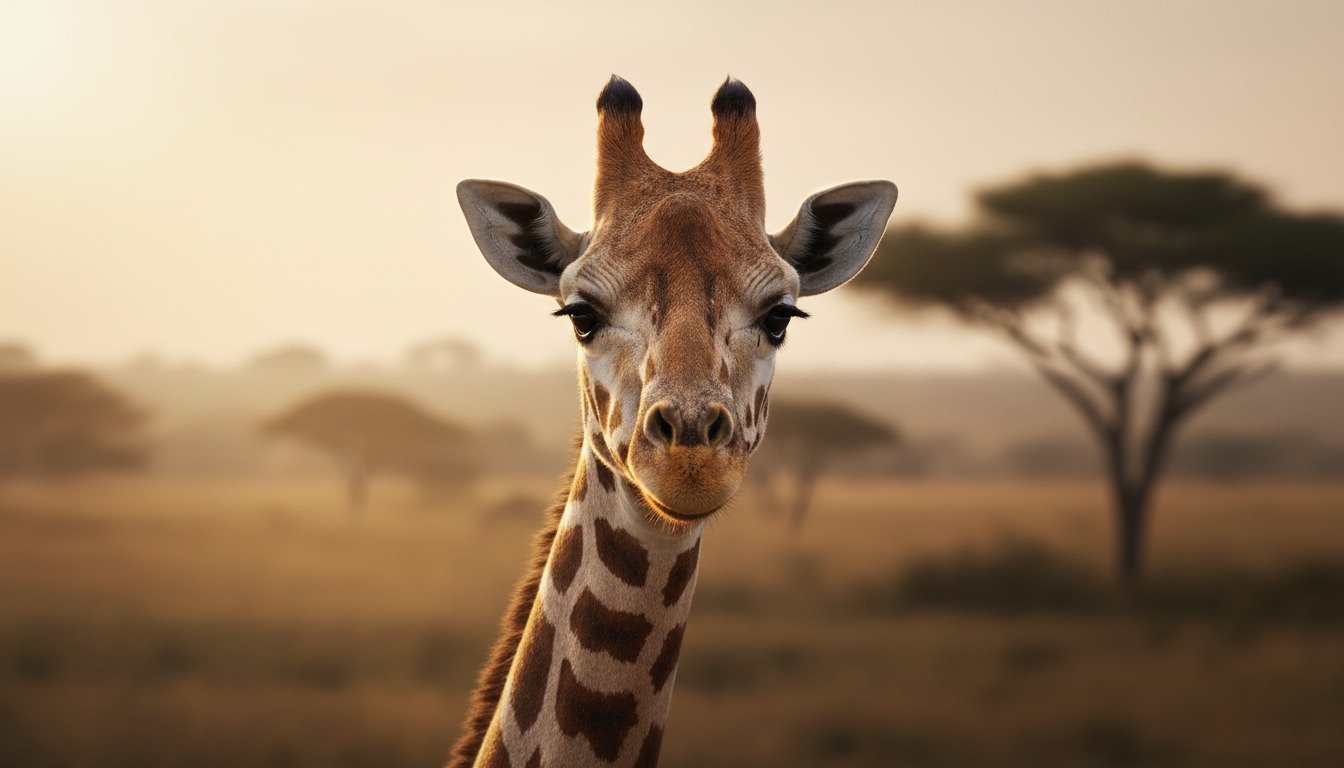
An elegant giraffe — tall and gentle. Perfect for savanna adventures and family-friendly stories with Hypernatural.
Make a video
Make Stretch the star of your video.
Stretch the giraffe brings grace and charm to any story. With Hypernatural's AI video editor, you can put Stretch at the center of savanna tales, kids' content, or any narrative you imagine.
Paste in your script, and Hypernatural will use the dialog and characters in your video. You can edit your video using Hypernatural's AI Video Editor, and then export it or share it with a link.

Video ideas starring Stretch
Put Stretch in any story you can imagine with our AI Video Editor. Here are some ideas.
Stretch reaches for the last leaves at the top of the acacia tree while the herd watches below. A storm is coming; the sky darkens. The other giraffes have already moved toward the watering hole.
Stretch takes one more bite and turns. What they see on the horizon is not just rain — it's something that will change the herd's path forever.
A young giraffe has wandered away from the group. Stretch spots them near the dry riverbed and moves carefully closer. The calf is scared but unhurt.
Stretch bends down — as far as a giraffe can — and makes a soft sound. The calf responds. But the rustle in the bushes behind them suggests they are not alone, and the journey back is about to get complicated.
The water hole is drying up. Stretch and a few others must reach the next oasis before the heat wins. They move in that distinctive loping gait, silhouetted against the orange sky.
Just when the finish seems in sight, a fallen tree blocks the path. Stretch has an idea that will require the one thing giraffes are not known for — and the others must decide whether to follow.
A human with a camera has been waiting for days to capture the perfect shot. Stretch appears at the edge of the frame, curious rather than fearful. They step closer, then closer still.
The photographer holds their breath. Stretch tilts their head. In that moment, something passes between them — and the click of the camera is the least important part of the story.
The herd sleeps standing up; Stretch keeps watch. The savanna at night is full of sounds. Something moves in the tall grass.
Stretch stays still. The moon rises. The movement comes again — and when Stretch finally reacts, it is not with flight but with a signal that wakes the herd. What happens next will define their role in the group from that night on.
After a long dry season, the first drops fall. Stretch lifts their head to the sky and lets the water run down their long neck. The rest of the herd joins in; for a moment it is pure joy.
Then Stretch notices the small figure at the edge of the clearing — a creature that has been waiting for this rain too, and whose fate is suddenly tied to the herd's next move.
Start with a scene
How to make videos of Stretch with AI
Create Stretch videos in three simple steps with Hypernatural.
1. Choose this character
Select Stretch from the character library to use them in your video.
2. Add your script or idea
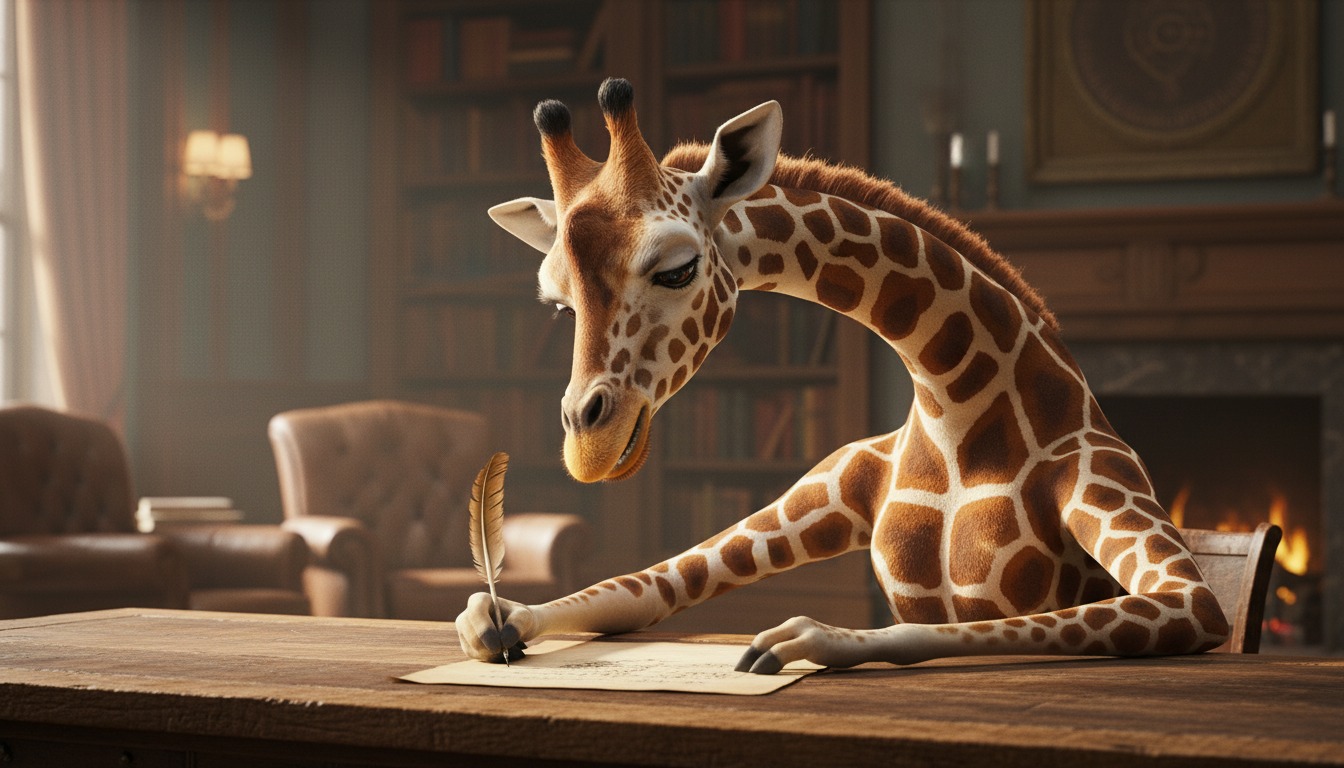
Paste in your script, and Hypernatural will use the dialog and characters in your video.
3. Make your video.
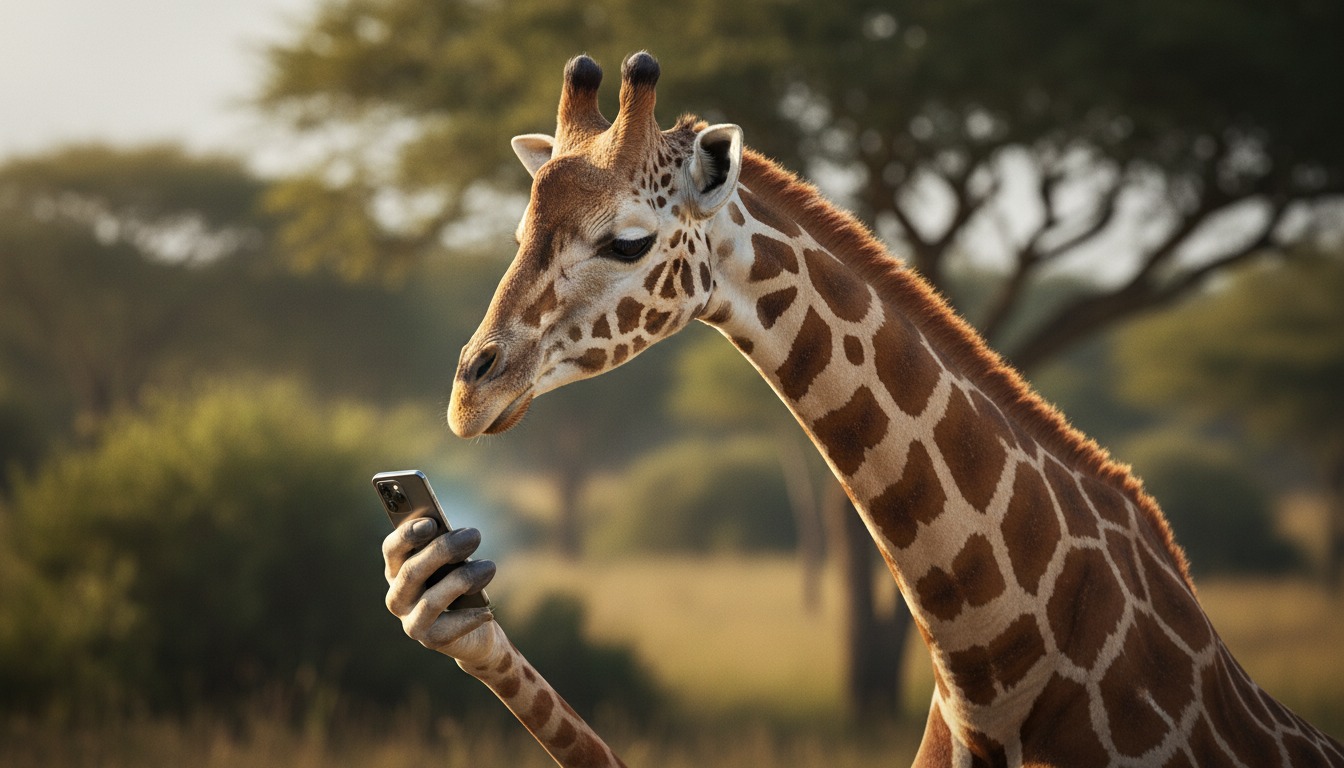
Edit your video using Hypernatural's AI Video Editor, and then export it or share it with a link.



Hypernatural is the simplest AI Video Editor.
Paste in your script and create versions of your video with different looks and styles and characters. Paste in your script and create versions of your video with different looks and styles and characters.
Edit after generation and export or share with a link.
Characters
Explore more characters to cast in your videos alongside Stretch.
F.A.Qs
Select Stretch from the character library and add them to your script. Hypernatural will generate video with their appearance and voice. You can cast Stretch in family content, nature stories, or any narrative where a consistent character matters.
Yes. Use Stretch in as many videos as you like. They will look and sound consistent in every project, so you can build series, campaigns, or one-off pieces without rebuilding the character.
Hypernatural keeps the same character looking and sounding consistent across every scene. Once you cast Stretch in your video, their appearance and presence stay stable as locations and action change.
You can change characters in the editor after generation and reassign character actors to roles. When you swap Stretch for another character, costume and visual continuity are preserved where possible.
Custom characters are ones you create from descriptions or images. Stock (system) characters like Stretch are ready-made by Hypernatural, including animal and fictional personalities. Both stay consistent across scenes and can be cast in your videos.
Features
Community
© 2026 Hypernatural Systems, Inc.