Make Shakespeare videos with AI
The greatest playwright in English — words, drama, and the human condition. Make Shakespeare videos with Hypernatural.
Make a video
Make William Shakespeare the star of your video.
The Bard of Avon — tragedy, comedy, and verse that has lasted centuries. With Hypernatural's AI video editor, you can put Shakespeare at the center of adaptations, education, or new stories.
Paste in your script, and Hypernatural will use the dialog and characters in your video. You can edit your video using Hypernatural's AI Video Editor, and then export it or share it with a link.
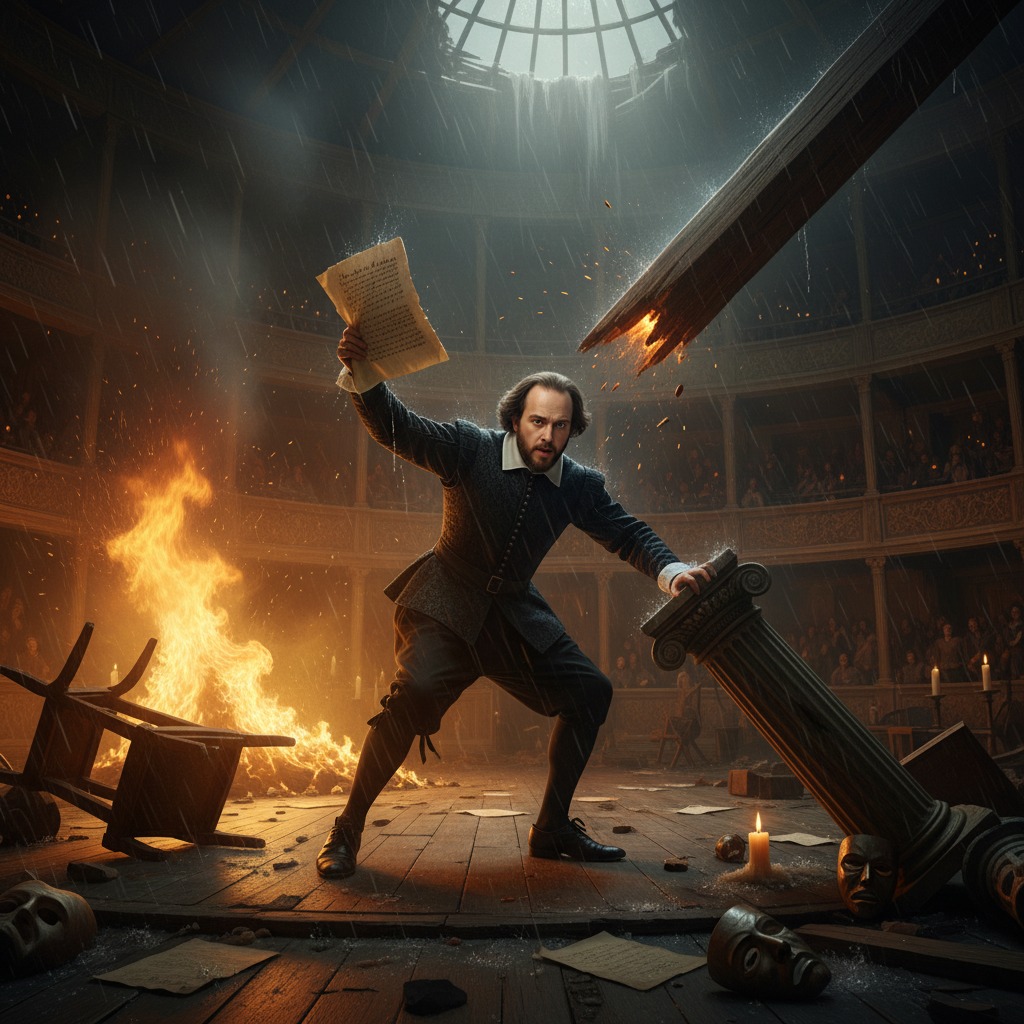
Video ideas starring William Shakespeare
Put William Shakespeare in any story you can imagine with our AI Video Editor. Here are some ideas.
Shakespeare sits in a candlelit room, quill in hand. The page is half full. He pauses, crosses out a line, and writes again. Someone knocks at the door.
He hides the page. The visitor is an actor — and the question they ask will force Shakespeare to decide whether this scene ever sees the stage.
The Globe Theatre is empty except for the stage. Shakespeare watches from the pit as two actors run a scene. He interrupts, steps up, and delivers the line himself. The actors fall silent.
He turns to them and gives a note. What he says next will change the way the play is performed for generations.
A nobleman has summoned Shakespeare to his estate. The request is clear: write a play that flatters the court and avoids controversy. Shakespeare listens in silence.
He agrees. But when he picks up the quill that night, he writes something else entirely — and the first person to read it will have to choose between loyalty and truth.
Shakespeare is at a tavern when a fellow playwright confronts him. Accusations fly — plagiarism, favoritism, hollow verse. The room is watching.
Shakespeare does not raise his voice. He says one thing that silences the rival — and the look on the rival's face suggests the feud is not over.
The Queen has requested a private performance. Shakespeare and his company prepare in a chamber at court. She is known for her wit and her temper.
The play begins. Halfway through, she raises her hand. The room freezes. What she says next will either make Shakespeare's career or end it.
Shakespeare is old and ill. He sorts through papers — drafts, letters, a will. He pauses at one page and reads it again. Then he holds it over the candle.
Someone enters and asks what he is doing. His answer will determine whether a lost play survives — or is lost forever.
Start with a scene
How to make videos of William Shakespeare with AI
Create William Shakespeare videos in three simple steps with Hypernatural.
1. Choose this character
Select William Shakespeare from the character library to use him in your video.
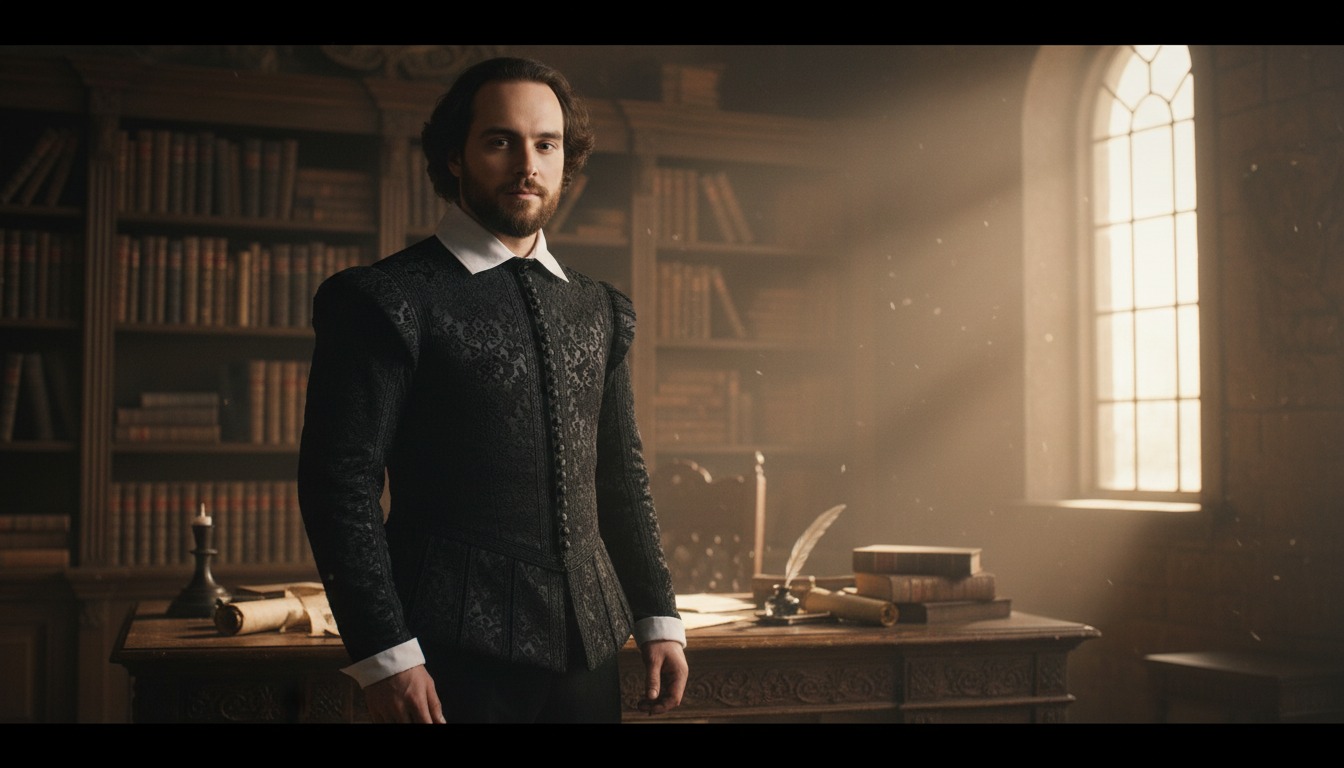
2. Add your script or idea
Paste in your script, and Hypernatural will use the dialog and characters in your video.
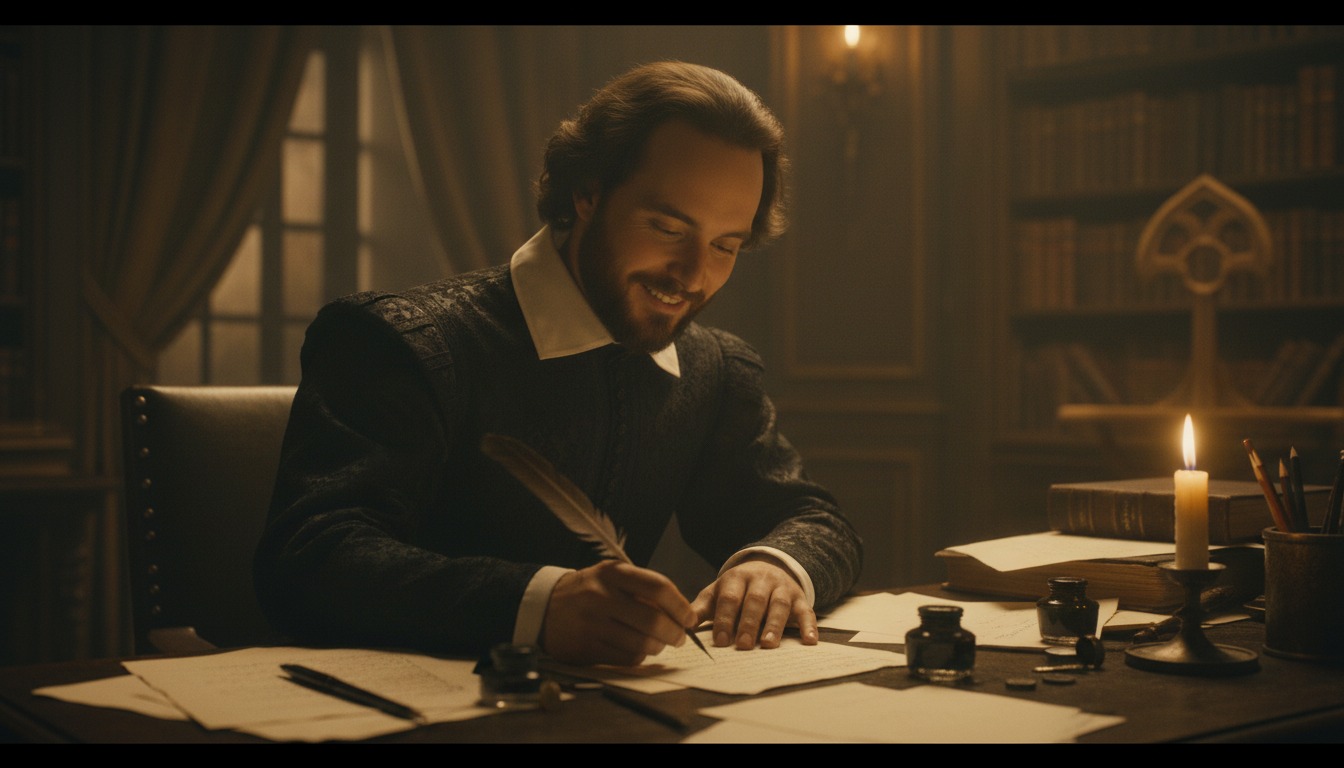
3. Make your video.
Edit your video using Hypernatural's AI Video Editor, and then export it or share it with a link.
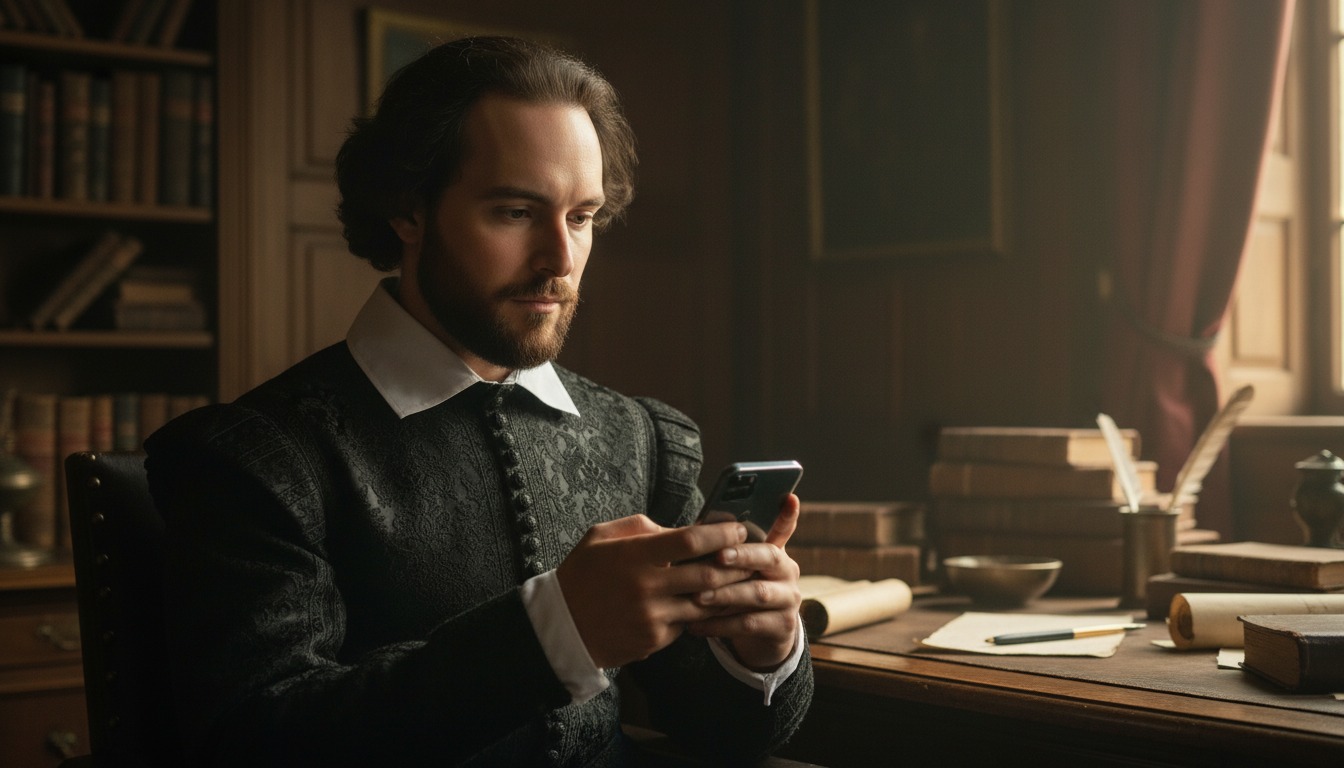



Hypernatural is the simplest AI Video Editor.
Paste in your script and create versions of your video with different looks and styles and characters. Paste in your script and create versions of your video with different looks and styles and characters.
Edit after generation and export or share with a link.
Characters
Explore more characters to cast in your videos alongside William Shakespeare.
F.A.Qs
Select William Shakespeare from the character library and add him to your script. Hypernatural will generate video with his appearance and voice. You can cast him in period drama, education, or any narrative where a consistent character matters.
Yes. Use William Shakespeare in as many videos as you like. He will look and sound consistent in every project, so you can build series, campaigns, or one-off pieces without rebuilding the character.
Hypernatural keeps the same character looking and sounding consistent across every scene. Once you cast William Shakespeare in your video, his appearance and presence stay stable as locations and action change.
You can change characters in the editor after generation and reassign character actors to roles. When you swap William Shakespeare for another character, costume and visual continuity are preserved where possible.
Custom characters are ones you create from descriptions or images. Stock (system) characters like William Shakespeare are ready-made by Hypernatural, including historical and fictional personalities. Both stay consistent across scenes and can be cast in your videos.
Features
Community
© 2026 Hypernatural Systems, Inc.