Stills that match the brief
Black Forest Labs’ production image model. Name the packaging, the signage, and the light, and Flux 2 Pro renders the frame that way.
Start creating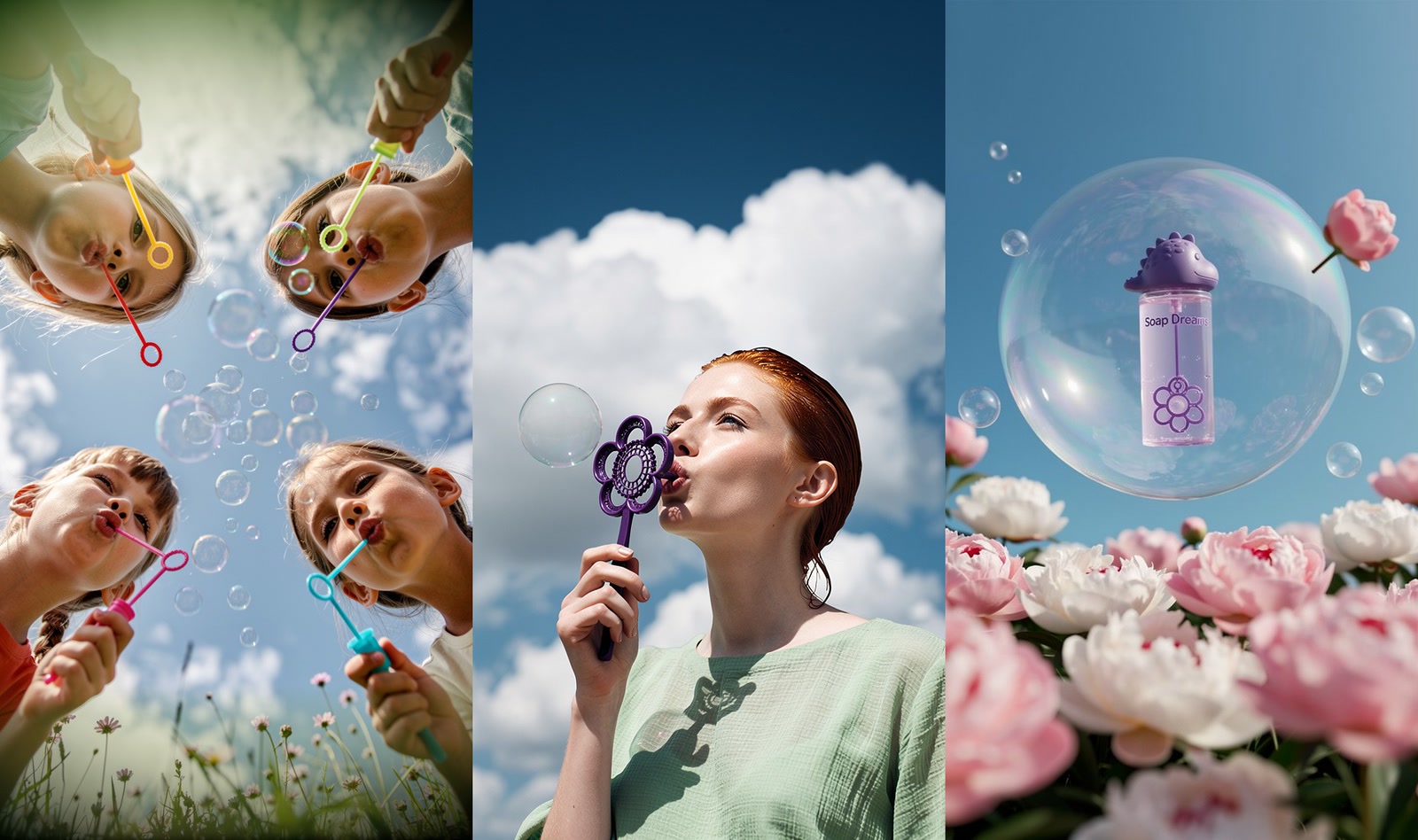
What makes Flux 2 Pro different
Flux’s signature accuracy, in Black Forest Labs’ production tier.
Prompts that land
Long, specific briefs come back whole — props, placement, and framing included, not just the gist.
Type you can dictate
Give it the exact words for a label or a sign and they render as type rather than as texture.
Light you can name
Call for a long lens or late afternoon sun and Flux 2 Pro puts that in the frame.
Works from your references
Hypernatural attaches a character or product reference when you write its @handle, and Flux 2 Pro renders the subject from it.
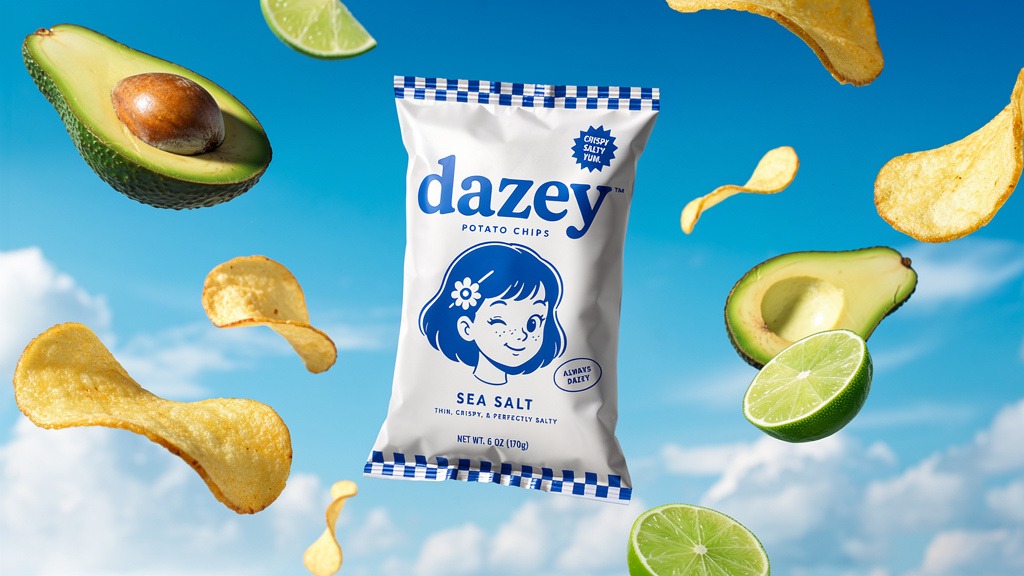
Packaging that stays legible
Hand it the copy for a label, a wrapper, or a shop sign and it comes back spelled and set, instead of the alphabet soup that sends you into a design tool to paste real type over the render.

Photoreal scenes from a description
Describe the setting, the lens, and the hour in plain words. Flux 2 Pro renders fine texture and clean edges, so skin, fabric, and foliage read as photographed rather than smeared.
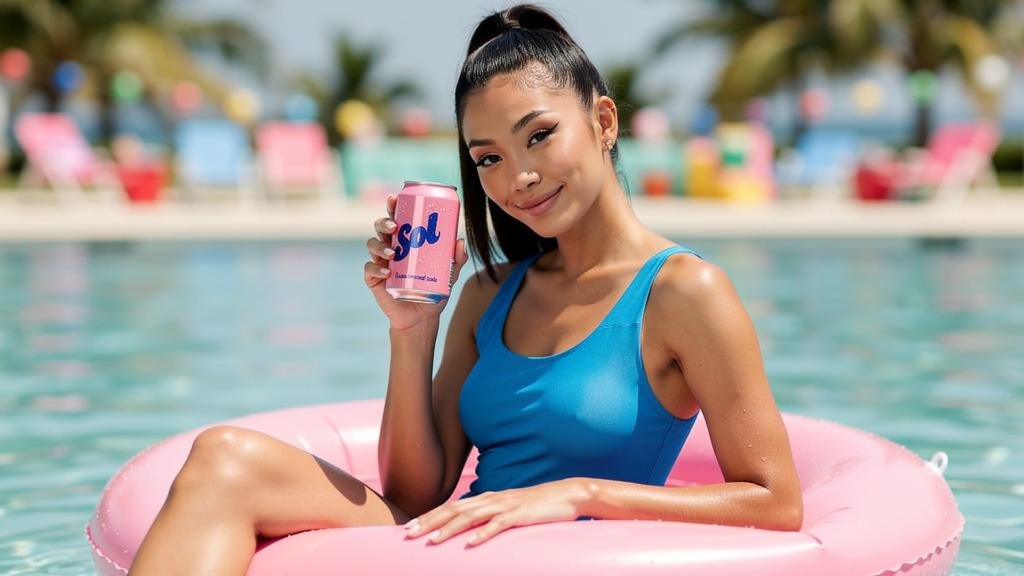
Your product and cast, by @handle
Save a character, product, or logo once, then write its @handle in each shot that needs it. Hypernatural attaches that reference to the shot — a bare name will not — and Flux 2 Pro renders the subject from it instead of inventing a new one.
FAQs
Frames that have to match a brief exactly. Black Forest Labs built the Flux line around prompt adherence, legible type, and photographic light, so Flux 2 Pro is the one to reach for on product and packaging shots, brand scenes, posters, thumbnails, and ad stills. Hypernatural expands your plain description into the full prompt the model sees, so you get that accuracy without learning to prompt Flux.
Usually, and far more reliably than older image models. Give it the copy verbatim and Flux 2 Pro renders it as type. Proof it the way you would proof any layout before you ship, and regenerate the shot if a character drifted.
Different jobs. Flux 2 Pro generates stills; Flux 3 generates video. A project picks its image model and its video model separately, so the usual workflow is to lock a frame with Flux 2 Pro and then animate that frame with Flux 3 or any other video model.
Yes, through references. Create the character or product once, add it to your library, then write its @handle in each shot that features it. Hypernatural attaches the reference on that @handle, so typing a bare name will not do it. Every image with the handle takes its look from that reference, while the outfit and the setting still follow whatever the shot describes.
Yes. Describe the change — swap the background, change the label, recolor the jacket — and Flux 2 Pro re-renders the image with that edit while leaving the rest alone. You can also feed in reference images, including your own photography or packaging, to steer the result.
Yes. Any still can become the opening frame of a shot, and Hypernatural hands it to a video model to animate. That is the usual workflow here — settle the look as an image first, then animate it, rather than re-rolling a video generation to fix the framing.
Community
© 2026 Hypernatural Systems, Inc.