Draft a whole storyboard for pocket change
xAI’s volume tier for stills. Generate every frame in a project rather than only the ones that ship, with Hypernatural still attaching your characters and products.
Start creating
What makes Grok Imagine different
The price of a draft, with the references of a final.
The lightest tier in the picker
A fraction of what the premium image models charge, so a board full of frames is a routine spend rather than a decision.
Priced for a whole board
Generate the full sequence in one go, so you are choosing between shots you can actually see instead of imagining them.
More than one reference per shot
@mention a cast member and a product in one shot and Hypernatural sends both photos, which Grok Imagine works from at once.
A separate editing mode
Hand back an image with a written instruction and Grok Imagine re-renders to match, instead of rolling a fresh shot.

Stop rationing generations
Cheap renders mean you are not budgeting each one. Try the framing three ways, keep the one that works, and spend what you saved on the shots that matter.
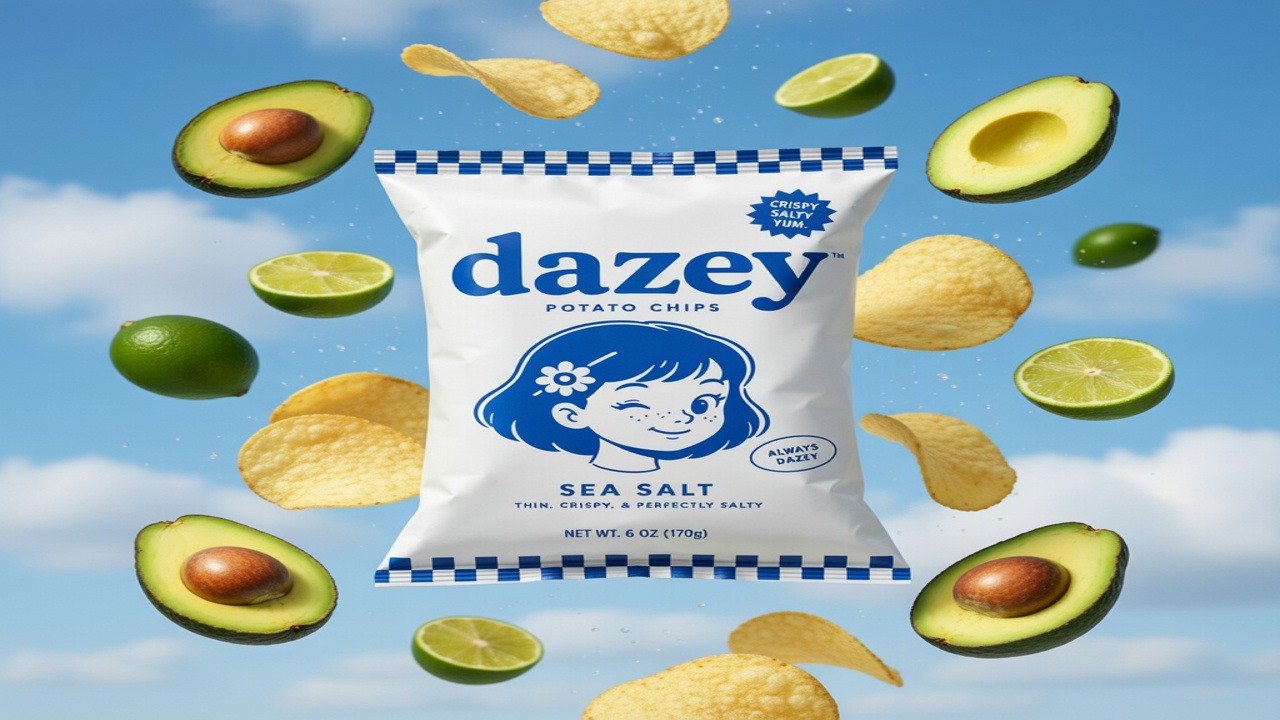
Your label, not an impression of it
@mention a saved product and Hypernatural attaches the photo and keeps its colors and marks out of the prompt, so Grok Imagine works from the picture rather than a written description of it. The wordmark, the mascot, the check border and the small print on the label come back as drawn, instead of the near-miss you get from describing a brand in words.
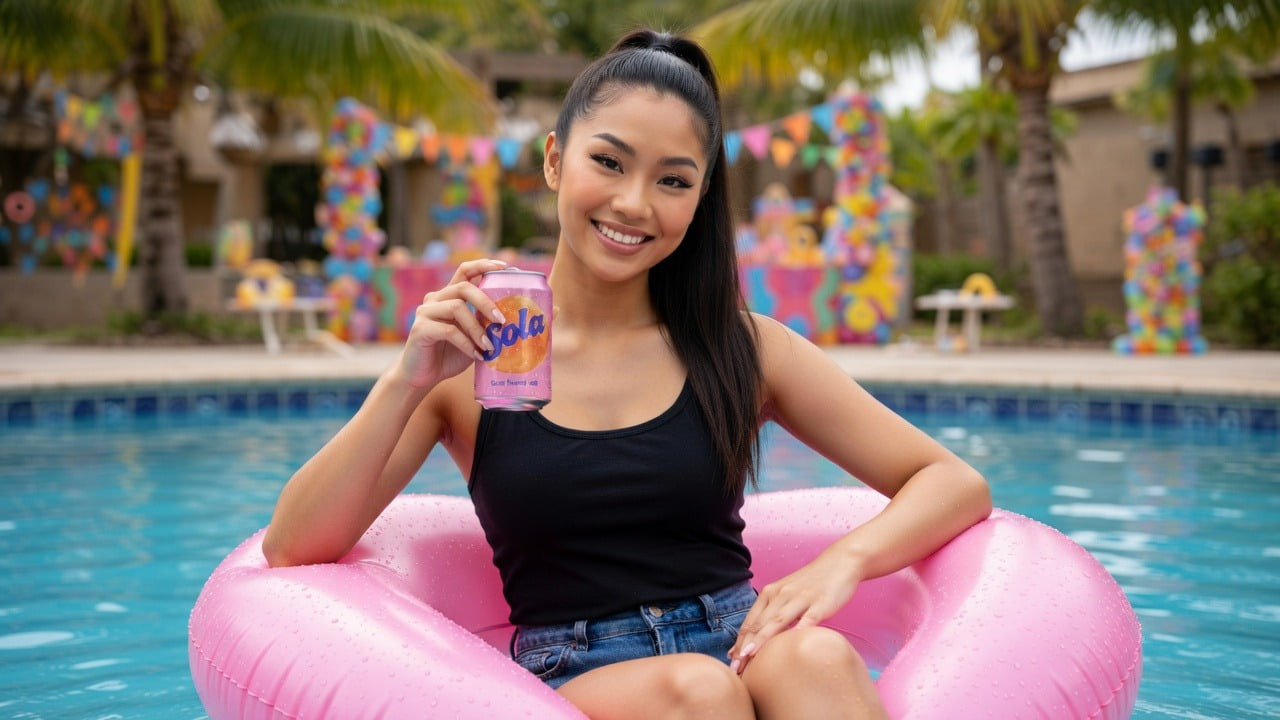
A cast member and a product, one frame
Grok Imagine reads more than one reference at a time. @mention a character and a product in the same shot and Hypernatural attaches both, so they arrive together — the likeness from your cast, the can from the product shelf — in a scene neither reference was photographed in.
FAQs
Grok Imagine is xAI’s image model, and in Hypernatural it sits at the bottom of the image pricing — the tier built for volume. That makes it the one to reach for when you need a lot of frames: drafting every shot of a storyboard, trying a framing several ways before committing, or filling out a long project where a premium per-image rate would add up fast.
It is the cheapest rate Hypernatural charges for an image, shared with Seedream v4 and the lightest Flux tier. Hypernatural’s picker puts each model’s cost beside its name, so the number is in front of you at the moment you choose rather than on a bill afterwards.
Yes. Add the character to your cast once, then write its @handle in every shot that features it — the @handle is what tells Hypernatural to attach the portrait, so a bare name will not do it. Grok Imagine renders that likeness into whatever scene the shot describes, and it accepts more than one reference at a time, so a character and a product can appear together in the same frame. What they wear follows the shot.
Yes. Grok Imagine has a separate editing mode: hand it the image plus a written instruction and it re-renders to match, rather than generating a fresh shot you then have to re-match to the rest of your project. You can attach reference images to steer the edit.
Yes. Hypernatural makes the still the opening frame of a shot, and a video model animates it from there. Settling the framing as an image first is the point: stills at this tier cost a fraction of what video does, so getting the composition right here is far cheaper than finding out it was wrong after a video render.
Yes. Image and video models are chosen separately on a project, so Grok Imagine stills can feed shots animated by Seedance or Veo. Switching either one leaves your cast, styles, and brand assets untouched, so changing model is not changing look.
Community
© 2026 Hypernatural Systems, Inc.