Thinks before it draws
Meta’s first in-house image model plans the layout before it renders, so a crowded frame and the words inside it land.
Start creating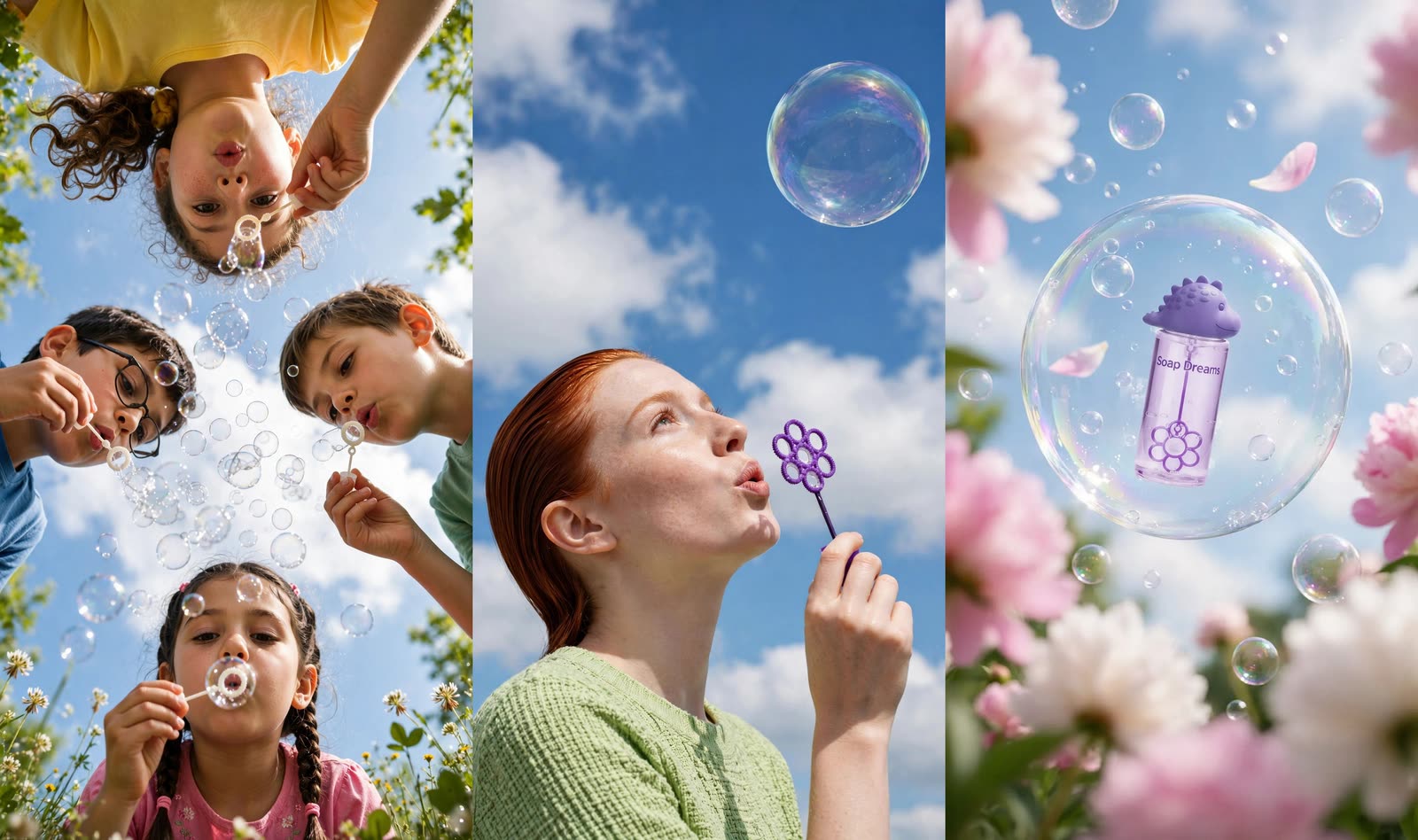
What makes Muse Image different
Meta Superintelligence Labs’ generator, built to reason about a picture rather than go straight at it.
It reasons, then renders
Meta has it map the whole layout before drawing anything. A brief with several moving parts arrives composed rather than crowded.
Words come out as words
Meta built it to render text legibly and in a matching style — enough for signage, a how-to panel, even a working QR code.
References blended, not pasted
@mention a character and a product in one shot. Hypernatural hands over every referenced image and Muse blends them into a single scene.
One model, generate and edit
Meta ships an editing endpoint beside the generator, so Hypernatural can retouch a frame you already have instead of rolling a new one.
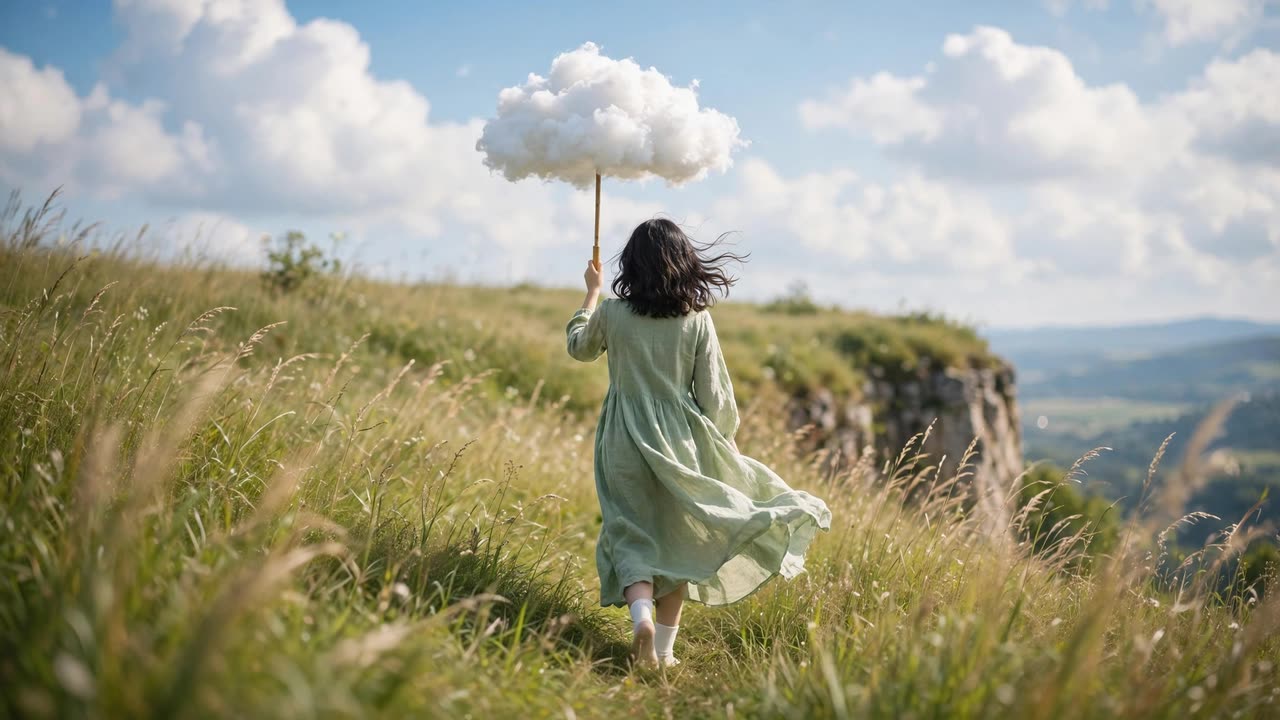
A long brief, held together
The dress, the socks, the cloud carried like an umbrella, the wind through the grass, the cliff edge waiting at the end of it. Muse works out where everything sits before it starts drawing, which is why a frame this busy reads as one picture instead of a pile of requested objects.
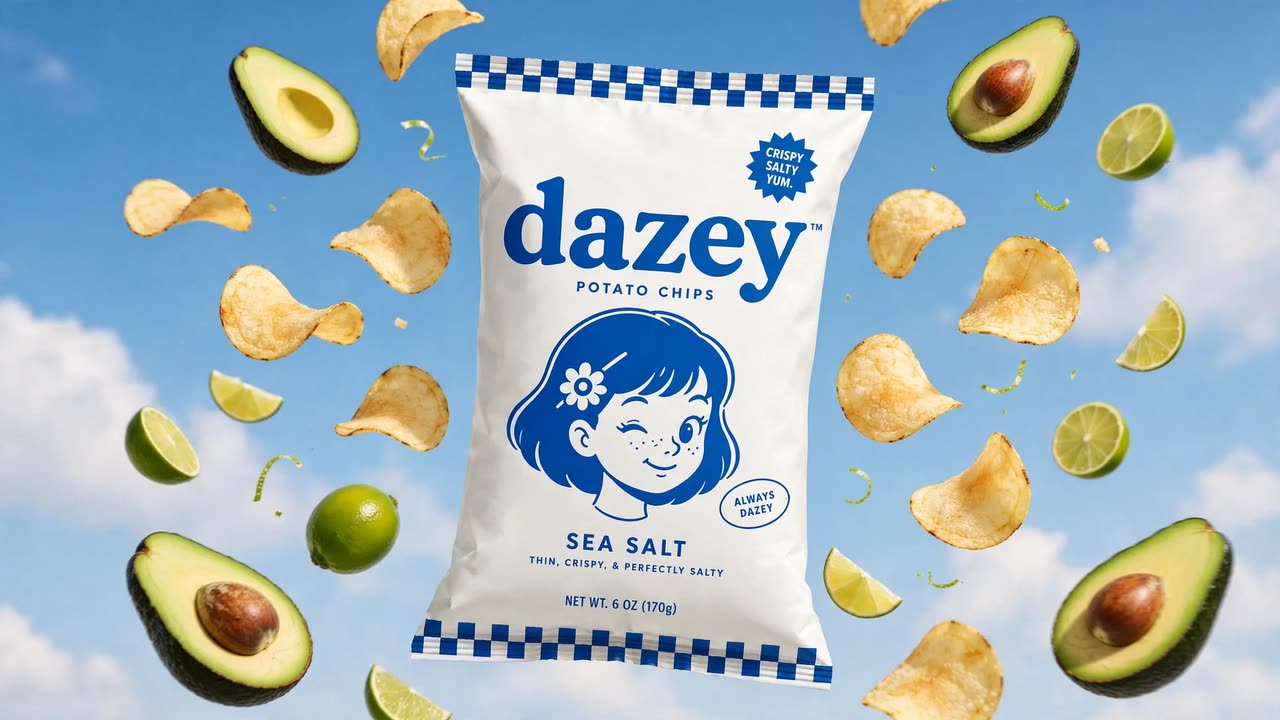
Packaging you can actually read
@mention a saved product and Hypernatural attaches its photos rather than a description of them. Here the wordmark, the mascot, the flavour line and the net weight all survive the render — the lines most generators reduce to decorative squiggle. Meta notes that exact lettering varies between runs, so a stubborn line is worth another go rather than a rewrite.
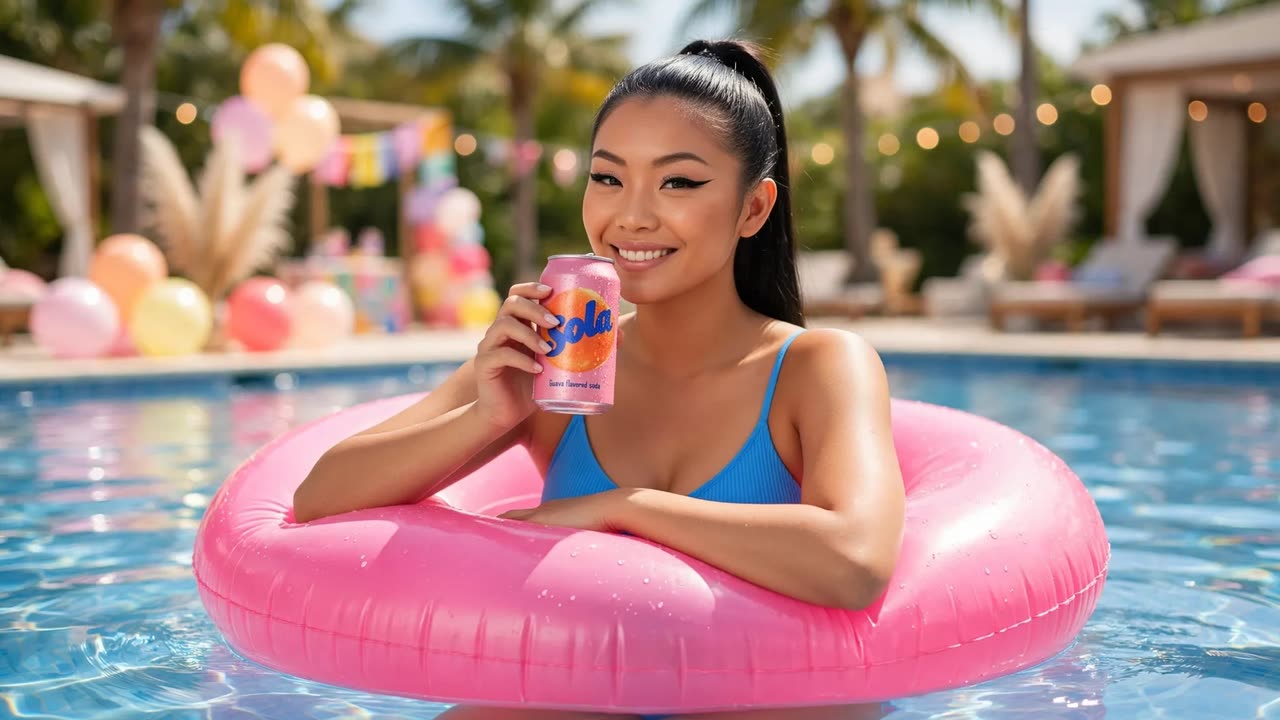
Your cast and your product, same shot
A shot can carry several references at once. @mention the person and the can she is holding and Hypernatural sends both into the same generation. Muse redraws them into the scene rather than pasting them in, so the pose and the light match — expect the composition to be its own, not a collage of your inputs. What she wears follows the shot.
FAQs
Frames that have to hold a lot at once. Muse Image is Meta Superintelligence Labs’ first in-house image model, and the thing Meta built it around is reasoning: it plans a layout, and can pull in web context, before it renders. That suits a busy scene with several things happening in it, a composite built from more than one reference, and anything carrying words — signage, a how-to panel, an infographic, packaging.
It is one of the things Meta calls out: text comes back legible and styled to match the picture around it, and Meta has shown it rendering a working QR code. Worth knowing how Meta frames the limits, though — exact lettering varies from one run to the next, so short copy fares better than a paragraph, and the fix for a line that comes out soft is to generate again rather than to rewrite the shot.
It sits at the bottom of Hypernatural’s image pricing, level with the lightest tiers — unusual for a model that does this kind of composition work, since that normally comes from the expensive end. Hypernatural’s picker lists each model’s cost beside its name, so you can weigh it against the premium tiers before you generate.
Yes. A character saved to your cast gets an @handle, and writing that handle into a shot is what attaches the reference — typing the name on its own attaches nothing. Hypernatural builds each character a reference sheet showing them from the front, in profile and from behind, then hands that sheet to Muse Image, so the likeness survives shots that are not face-on. What they wear follows the shot.
More than one. @mention a character, a product and a location in the same shot and Hypernatural collects the images for each and sends them together, so they all reach the model rather than the first one winning. Blending several visual references in one pass is something Meta built into this model specifically.
Yes, for a tweak. Ask for a prop swapped, the lighting changed, or someone added to the frame, and Hypernatural sends the picture you already have to Meta’s editing endpoint with your instruction, so the rest of the frame stays put. Rewriting what the shot actually depicts is a different job — that re-renders from the new description, so the frame comes back fresh.
Muse Image decides its own output size; Hypernatural passes the aspect ratio your project is in, so you pick the shape of the frame and the model fills it. Meta rates the output as high quality up to 1600px, which is comfortably past what a shot in a finished video needs.
Yes, and with this model it pays to settle the still first. Muse does its layout thinking at the image stage, so once a frame is composed the way you want it, animating is the easy part — Hypernatural passes it to whichever video model the project is set to as that shot’s first frame, then captions, narrates and cuts it in. Image and video are separate choices, and neither one owns your cast or your styles, so changing either leaves the look where it was.
Community
© 2026 Hypernatural Systems, Inc.