Edit images by asking
Describe the change in plain words and Nano Banana rewrites only that, leaving the rest alone.
Start creating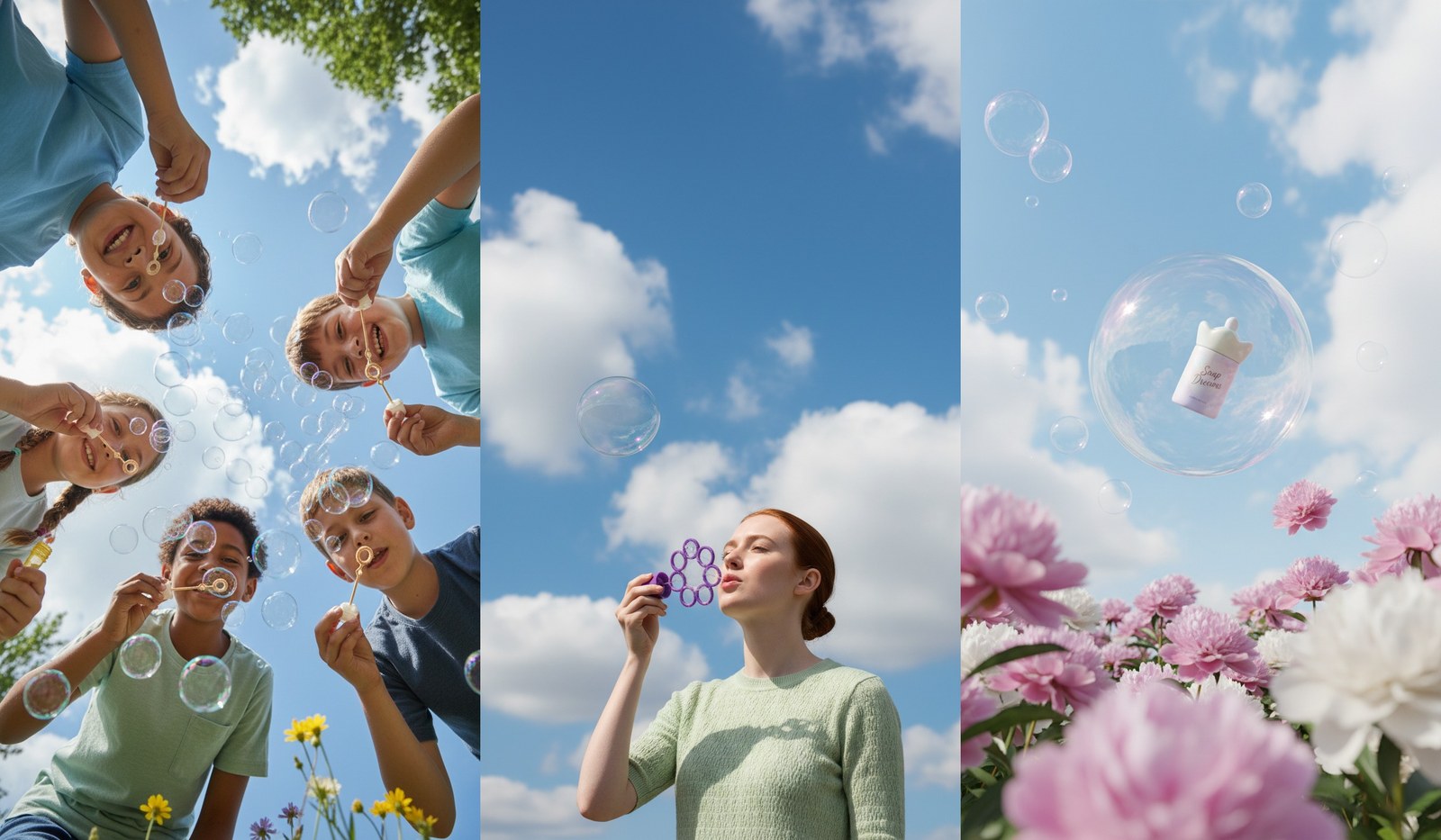
What makes Nano Banana different
The everyday tier: it edits as well as it generates, and it is quick enough to keep trying.
Edits you can describe
Ask for the change in plain words. Everything else stays put.
Subjects that survive
Faces, logos, and packaging hold their shape edit after edit.
Quick enough to explore
Renders land in seconds, so trying ten directions is normal.
Stills that become shots
Hypernatural hands any frame to a video model as the shot's opening frame.

Change one thing, not the whole image
Swap the background, recolor the jacket, lose the extra hand. Nano Banana touches what you asked about and hands back the rest of the frame unchanged, so an edit never costs you the version you already liked.
Product shots that keep the label
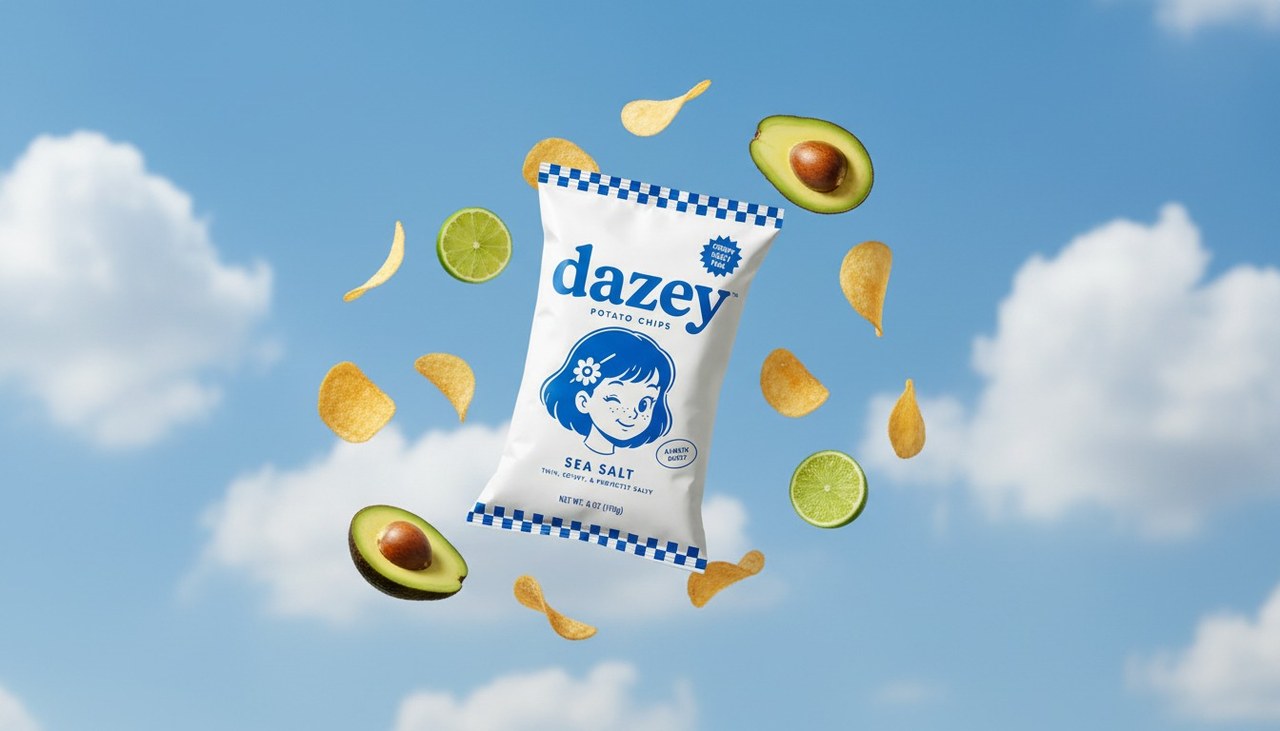
Upload the real packaging once and your product comes back as itself — the wordmark, the colors, the shape — in every scene you build around it. Add your products and characters to Hypernatural's library and @mention them shot to shot.
A whole board in an afternoon
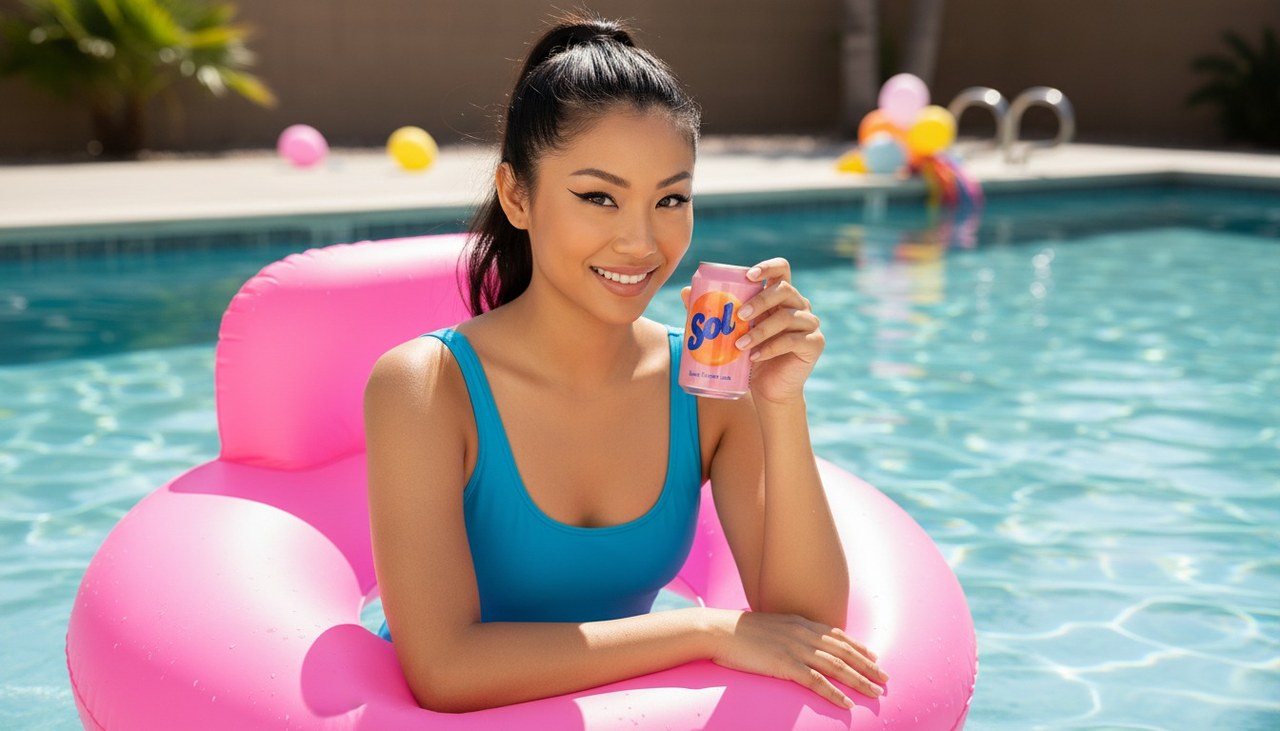
Fast renders mean you can lay out every shot in a sequence, look at it as a whole, and re-roll only the frames that are not working — instead of defending the first image because it took so long.
FAQs
Everyday image work where you expect to revise: product shots, social frames, and scene stills you will tweak a few times before they are right. It is the tier to reach for when the job is a change to an existing image rather than a brand new one.
Nano Banana is the fast everyday tier; Pro is the top-fidelity one, built for legible text and crowded compositions. In Hypernatural you can switch models and re-render one shot at a time, so you can rough a sequence out here and re-render only the frames that ship on Pro.
Yes. Upload a photo, a product shot, or a previous render as a reference and describe what should be different. Nano Banana works from your image rather than starting a new one from scratch.
Yes. Create the character once in Hypernatural's library, then write its @handle in any shot — the @ is what attaches the portrait, so a bare name will not do it. They come back as themselves, and the portrait carries over if you later switch models and re-render the shot. What they wear follows the shot.
Yes. Hypernatural hands any still to the video model you pick, then captions, narrates, and cuts it together with the rest of your shots — all in the same editor, no exporting in between.
No. Describe what you want in ordinary language and Hypernatural writes the image prompt for you. You can open it and edit the wording yourself whenever you want more control.
Community
© 2026 Hypernatural Systems, Inc.