Sharp images that stay consistent
High-resolution stills that follow the prompt. Write a character or product’s @handle in a shot and Hypernatural hands Seedream the reference.
Start creating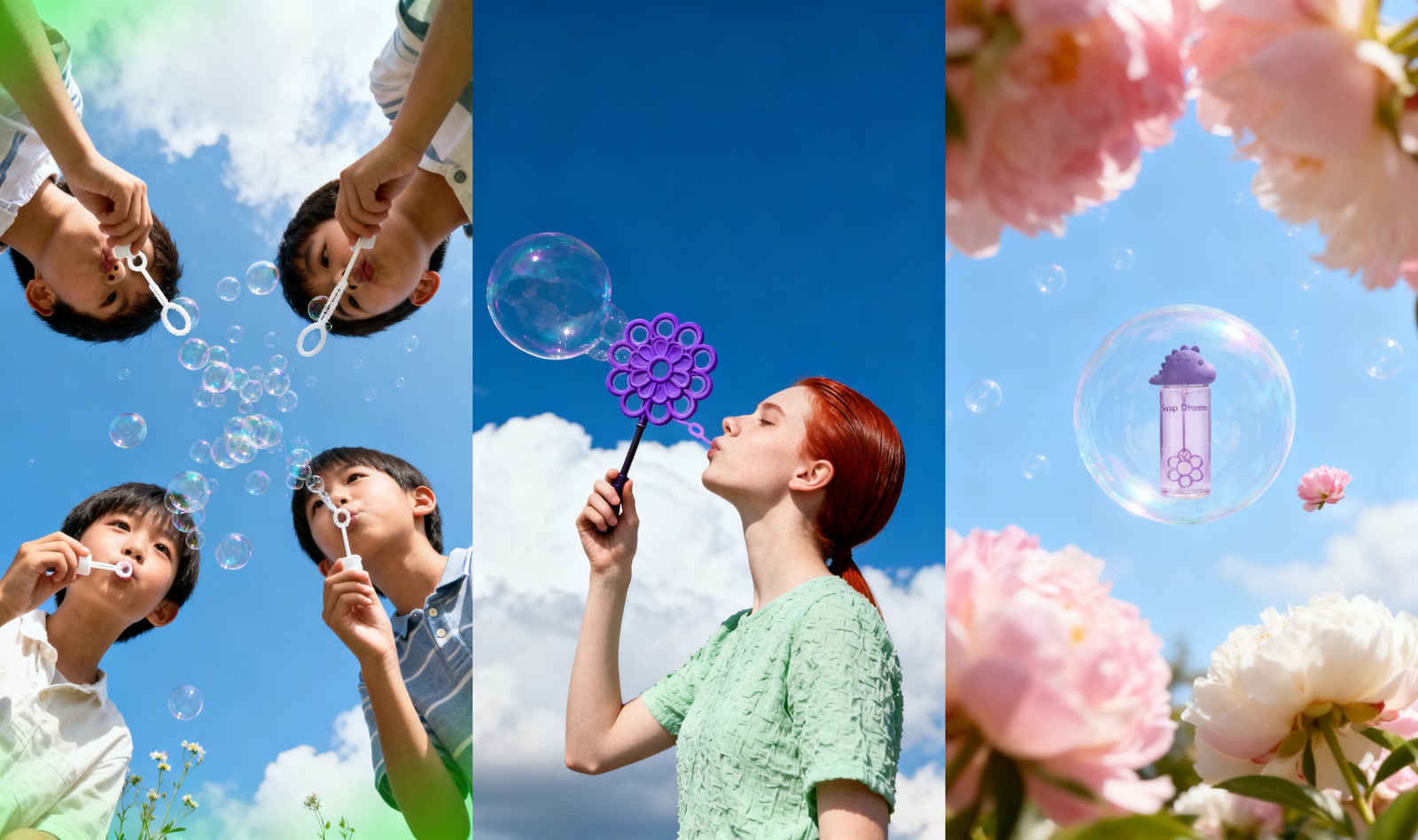
What makes Seedream v4 different
An image model built for whole sets, not one-offs.
Prompt adherence
Describe the shot in plain words and get back what you asked for, props and framing included.
Stills ready to animate
Hypernatural drops every image into a shot as its opening frame, so a still becomes a video.
Characters by @handle
Add a character to your cast, then write its @handle in a shot. Hypernatural attaches the portrait, so they come back as themselves.
Sets, not single images
Hypernatural generates every image in a project in one pass, all in the same look and aspect ratio.

Detail that survives the crop
High-resolution output with clean edges and fine texture, sharp enough to fill a screen or take a hard zoom without falling apart.
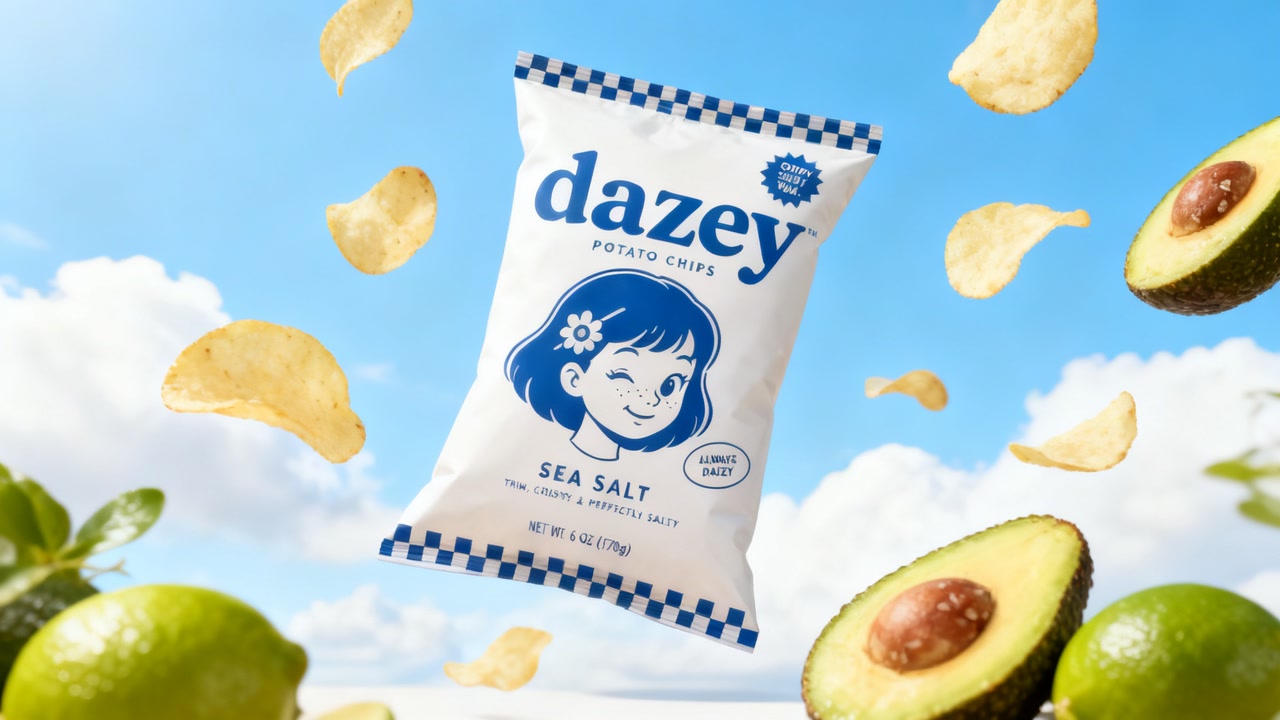
Product shots that stay on brand
Save a product or logo once, then write its @handle in each shot that needs it. Hypernatural attaches your reference and keeps its colors and marks out of the prompt, so the packaging comes back from the photo rather than from a description of it.
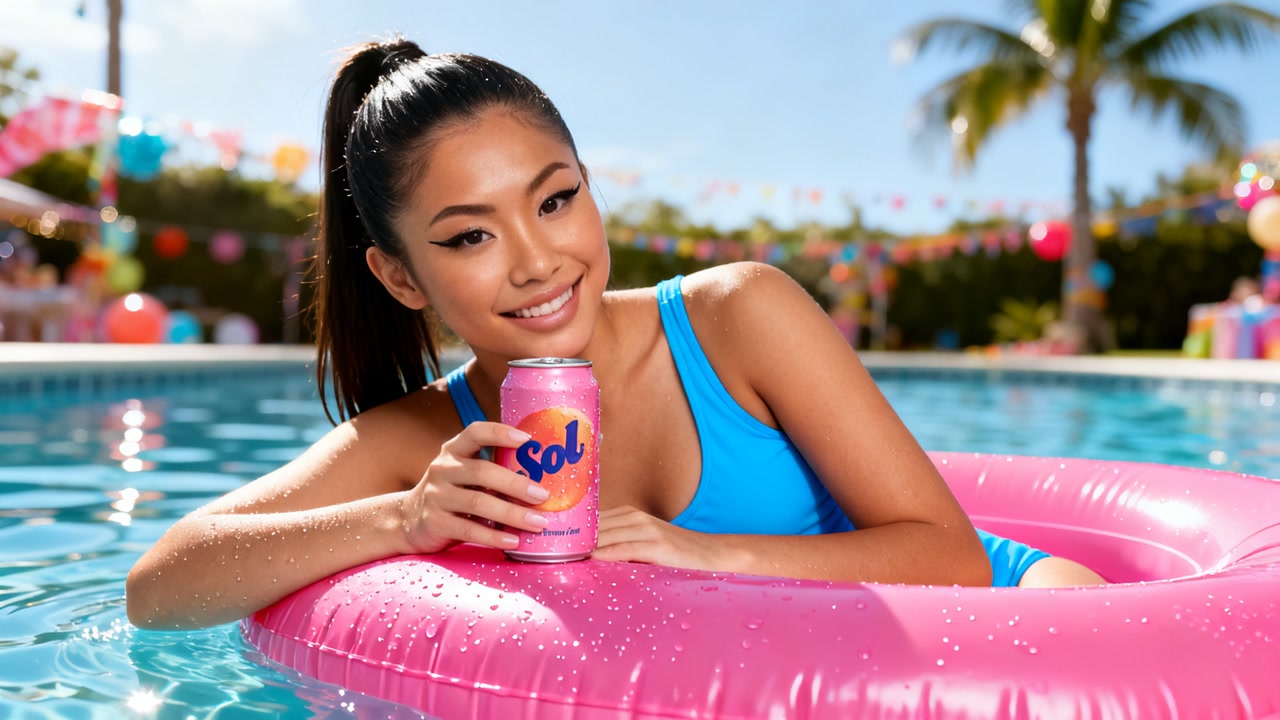
The same character, image after image
Write the character’s @handle in each shot, Hypernatural attaches the portrait, and Seedream renders that person. Change the scene, the angle, and the outfit without losing the face.
FAQs
Seedream v4 is an image model, so it shines wherever you need stills rather than motion. Think product and packaging shots, character art, thumbnails, storyboard frames, and ad creative that has to look identical across a whole set. It follows detailed prompts closely, which makes it a good fit when composition and styling are already decided.
Yes. Create the character once, add it to your cast, then write its @handle in each shot that features it. The handle is what tells Hypernatural to attach the portrait, so typing a bare name will not do it. Every image with the handle takes its likeness from that reference, while the outfit still follows whatever the shot describes.
Yes. Any still can become the opening frame of a shot, and Hypernatural hands it to a video model to animate. That is the usual workflow here — lock the look as an image first, then animate it, so you are not re-rolling a video generation to fix framing.
Yes. Describe the change — swap the background, change the label, recolor the jacket — and Seedream v4 re-renders the image with that edit while leaving the rest alone. You can also feed in reference images to steer the result.
Yes. A project picks its image model and its video model separately, so Seedream v4 stills sit alongside video models like Seedance or Veo. You can switch either one at any time without starting over. Your characters, styles, and brand assets live in Hypernatural rather than in any one model, so switching models does not restart your look.
No. Describe the image in plain language and Hypernatural expands it into the full prompt the model sees, including how each reference image should be used. You can open and edit that prompt whenever you want more control.
Community
© 2026 Hypernatural Systems, Inc.